
Drop the File,
Jobs Go Out.
Every week DT Leak Protection Group get a spreadsheet of tank monitor jobs from across the UK. Someone had to sort it, split it by area and send each engineer their share. We built a tool that does it from one upload.
- WHO — DTLPG (DT Leak Protection Group), part of DT Technology Group
- WHAT — Custom Web App, Workflow Automation, n8n, Email Dispatch, Hosting & Support
- WHEN — Live since March 2026, supported since
- WHERE — Engineers covering England, Wales & Scotland
- HOW — A password-protected upload page in PHP, feeding a self-hosted n8n workflow that emails each engineer their jobs
One Big Sheet,
Many Engineers.
DT Technology Group install and look after oil, liquid and LPG tanks, and run a tank monitor service. Each week the jobs arrive as one Excel file: site, address, postcode, priority, tank ID and contact numbers. Splitting that file by hand, engineer by engineer and postcode by postcode, took time and was easy to get wrong.
- Weekly job spreadsheet covering the whole UK
- Jobs need sorting by priority
- Each engineer should get only their own area

One Page,
One Button.
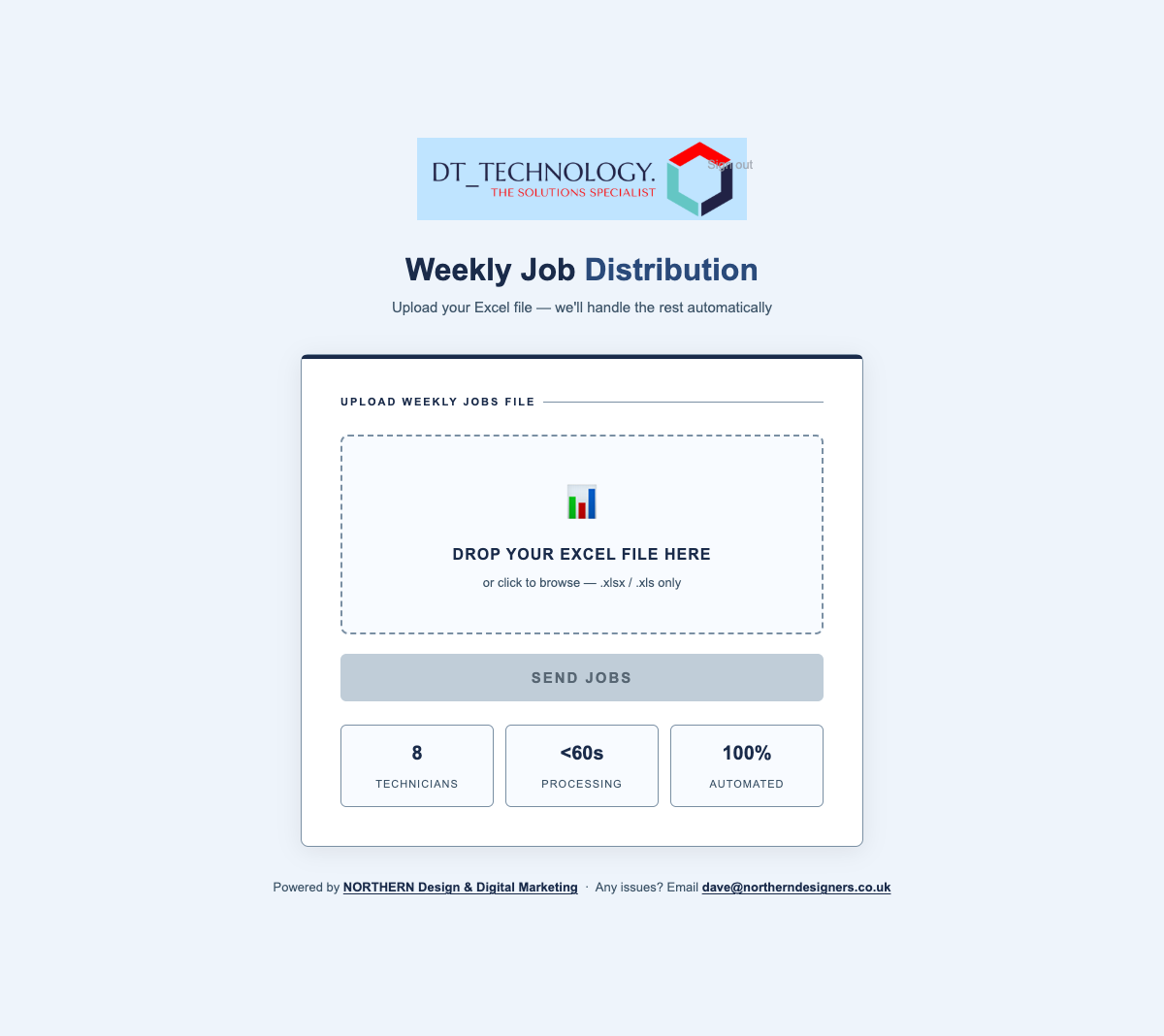
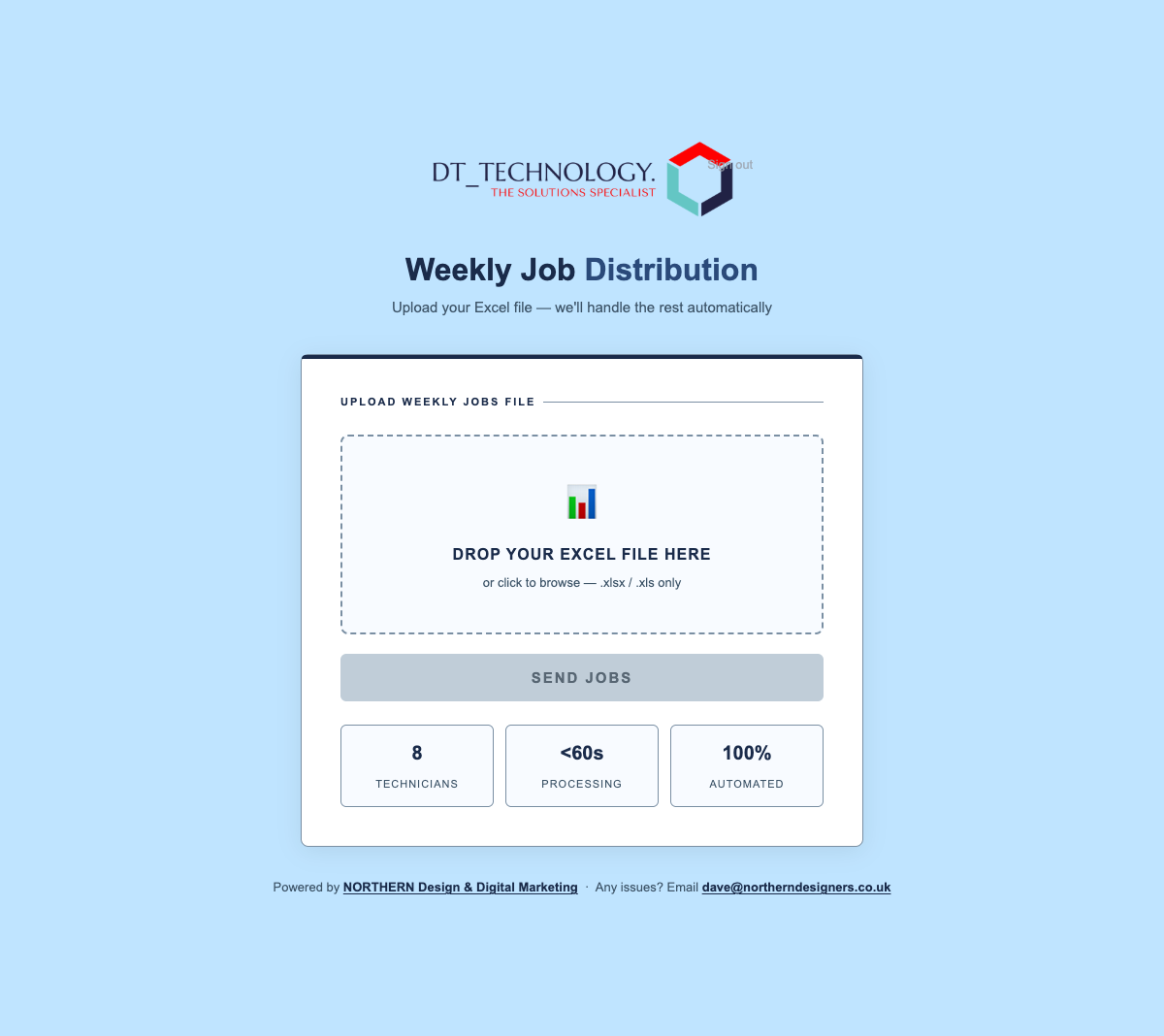
We built a single web page on DTLPG’s own domain. You drag the weekly Excel file onto it and it checks the file first. You see how many jobs there are, how they split between engineers, and anything that needs attention, before a single email goes. Then you press Send Jobs and confirm.
- Drag-and-drop upload for .xlsx and .xls
- Preview of the split before anything is sent
- Confirmation step, because it can’t be undone
- Branded with the DT Technology logo
Reads the Sheet
However It Comes.
Spreadsheets change. Columns get renamed, moved or added. The tool matches headers loosely, so “Post Code”, “pcode” and “Postcode” all work. When DTLPG started sending a planner format with an Urgent column and word-based priorities, we added support for it. Multi-sheet workbooks are flattened to the active sheet before they go out.
- Loose header matching with a list of known aliases
- Number and text priority schemes both understood
- Jobs re-sorted with the highest priority first
- Multi-sheet planner files handled
No Number,
No Wasted Trip.
An engineer can’t book a visit without a phone number. The tool flags any job where the contact is blank, a dash, “#N/A” or too short to be real, and puts those jobs on a separate missing-contact list instead of in an engineer’s inbox. It also spots when the same file is uploaded twice within two hours, so nobody gets their jobs twice.
- Placeholder and short phone numbers caught
- Missing-contact jobs listed separately
- Duplicate uploads blocked for two hours
- Every upload written to an audit log
The Postcode
Decides.
Each engineer owns a set of postcode areas. The tool uses the longest match first, so a district like G72 can go to one person while the rest of G goes to another. When the team changes, we change the rules. In October 2026 DTLPG asked us to give all 16 Scottish postcode areas to a new engineer. The change was live and his first list was sent the same day.
- Longest-prefix postcode matching
- Rules updated as engineers join or areas move
- New Scottish engineer added and dispatched in a day
Four Steps,
Every Friday.
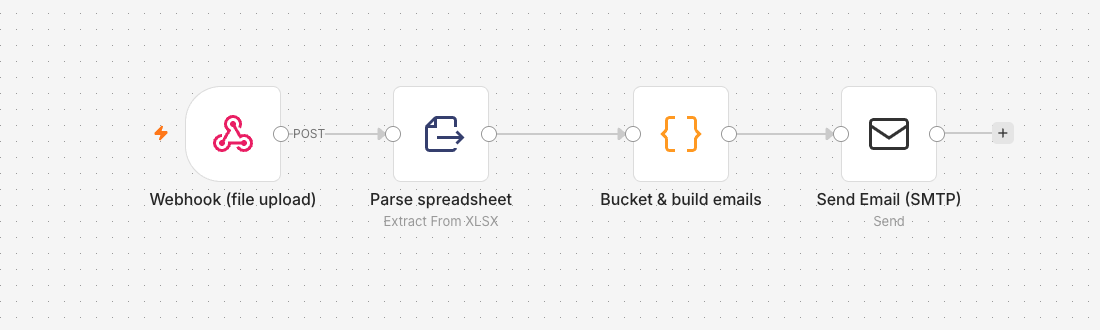
Behind the page is a workflow. It started on Make.com and in June 2026 we moved it to n8n, self-hosted on our own server. It takes the uploaded file, reads it, groups the jobs by engineer and sends each engineer an email with their own sorted spreadsheet attached. No copy and paste, no forgotten areas.
- Webhook, parse, group, send
- Moved from Make.com to self-hosted n8n
- Each engineer gets their own spreadsheet by email
Locked Down,
Looked After.
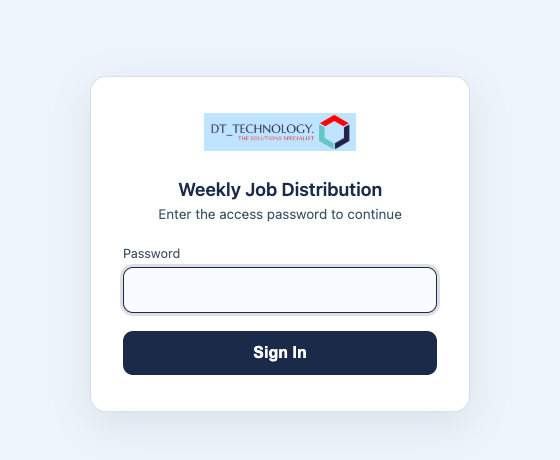
The tool sits behind a password gate with hardened sessions, because it handles customer addresses and phone numbers. We host it, watch the weekly runs and make changes when DTLPG ask, from new engineers and moved areas to new spreadsheet formats and email providers.
- Password gate with hardened sessions
- Hosted and supported by Northern
- Changes made as the business changes
DTLPG
A weekly admin job turned into one upload.
Got a spreadsheet job that eats your week?
Screenshots
& Photography
The job distribution tool and automation shown were built and are supported by Northern Digital for DTLPG. Screenshots show the interface only; no customer or job data is shown. The DT Technology website and logo belong to the client and were not made by Northern Digital. Presented to demonstrate capability.
More from the Northern portfolio.
What clients say about our work
Real reviews from real businesses.
Had a website made from scratch was done within 4 days and turn around was great.
Great service overall. It's been a real pleasure working with Dave and his team. They've helped strengthen our business presence and brand identity through our website and are always on hand to offer support and go the extra mile. We're looking forward to continuing to work with Dave and the Northern Digital team on future projects as our business grows.
Very good experience, very knowledgable and trustworthy. Highly recommend.
What's costing you growth?
Let's find out. For free.
Book a free 30-minute strategy audit with Dave. We'll look at your marketing, find what's not working, and tell you exactly where to focus. No waffle. Just a canny plan you can act on.
Request Your Free Audit
Takes 30 seconds. No jargon, just results.